
News · 6 min read
The Fitbit app is now Google Health: what changes for your Fitbit Air
New names, retired features, a Google account required… We sort it out, and tell you what stays the same: your band.
Updated
What happened
Google brought its wearables (Fitbit Air, Pixel Watch…) together in a single app, Google Health. The Fitbit app was updated in place: new name and new layout, but your core data (steps, sleep, heart rate) is still there if your account was moved to Google.
Old Fitbit logins no longer work. You now need a personal Google account; work or school accounts (Google Workspace) aren't accepted.
Familiar metrics, new names
Can't find a tile you used to check? It has most likely just been renamed.
| Before (Fitbit) | Now (Google Health) |
|---|---|
| Fitbit Premium | Google Health Premium |
| Stress Management Score | Resilience (Optimal, Balanced, Low) |
| Cardio Fitness Score | VO2 max (based on GPS runs) |
| Health Metrics | Vitals |
| Menstrual health | Cycle health |
| Daily activity goal | Weekly cardio target |
Features that are gone
According to Google's help page, some features didn't make the move. Their related data was deleted after 15 July 2026.
- Sleep Profile and its monthly sleep animals
- Estimated Oxygen Variation (Google points to SpO2 instead)
- Snore detection
- Badges, groups and the community feed
From daily to weekly
Your activity goal is no longer set day by day: Google Health suggests a personalised weekly cardio target. A quieter day isn't a failure anymore, and a longer session the next day counts just as much.
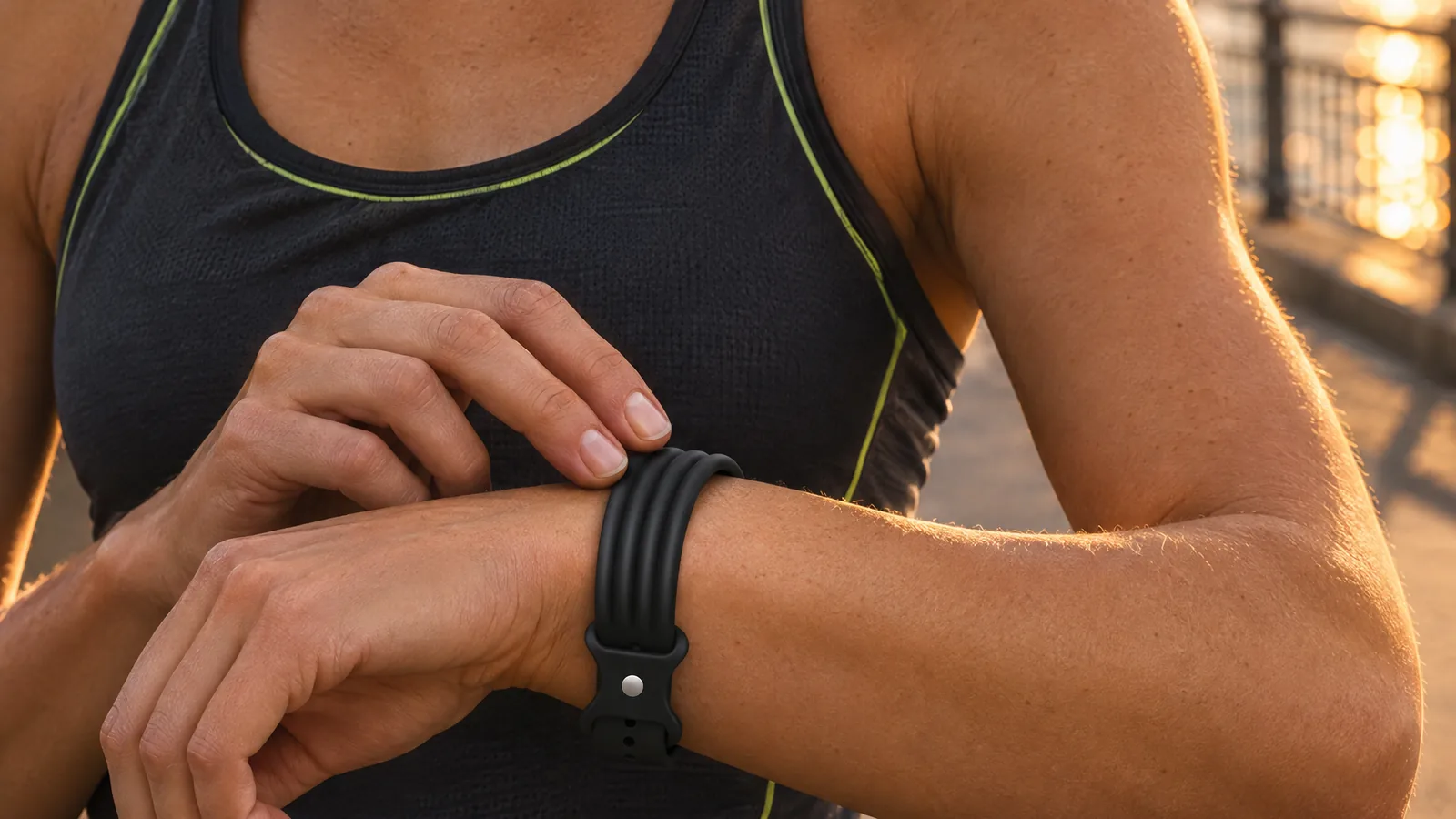
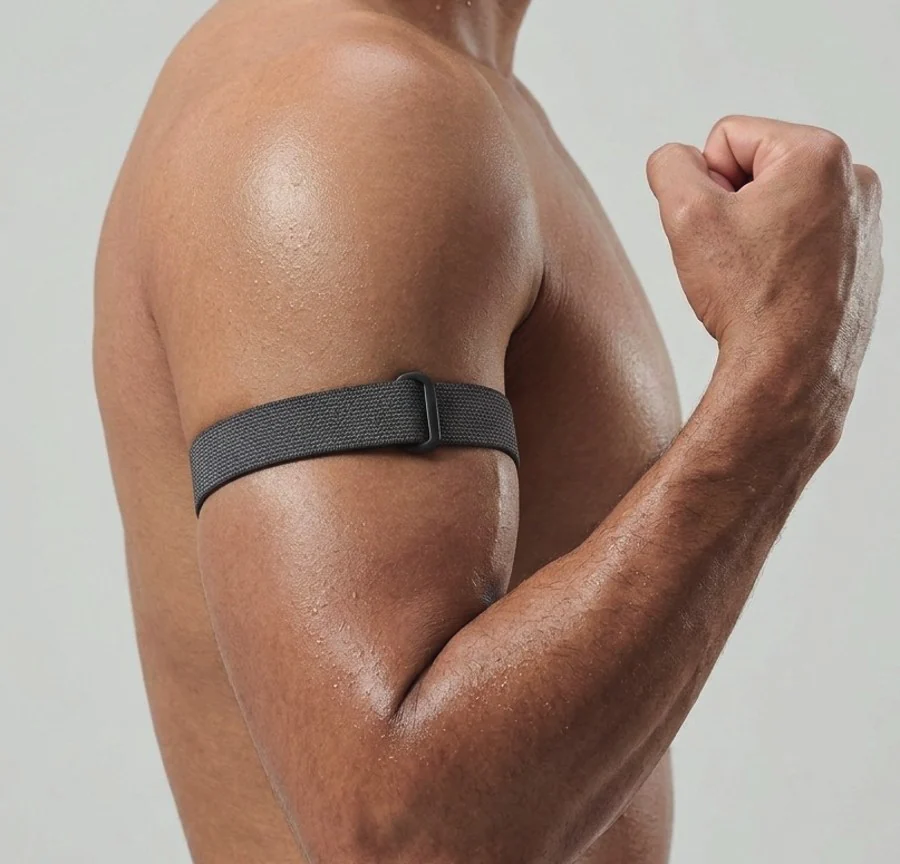
For the sessions that matter, a steady sensor makes the difference. A well-fitted band, or a biceps armband for strength training and running, keeps the tracker from shifting on your skin.
What doesn't change: your band
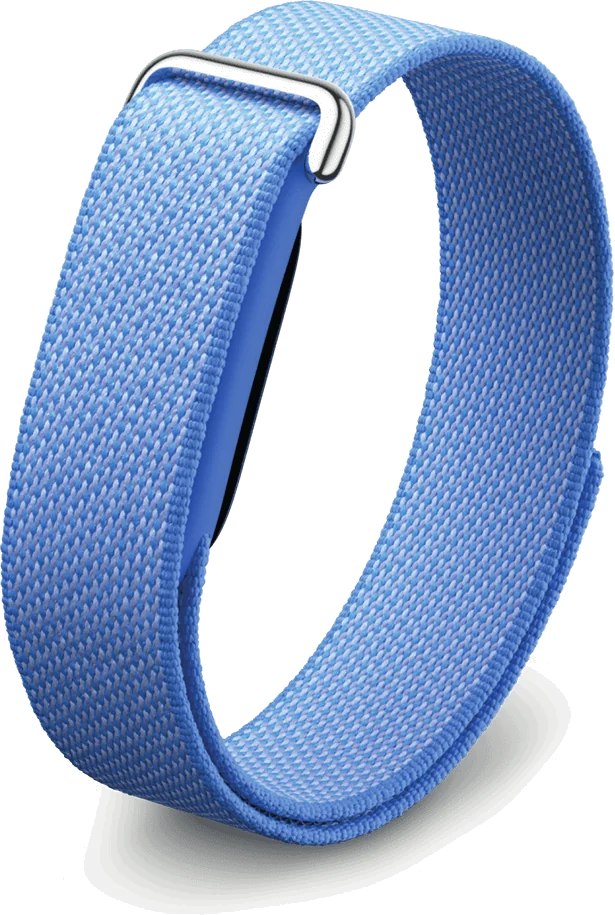
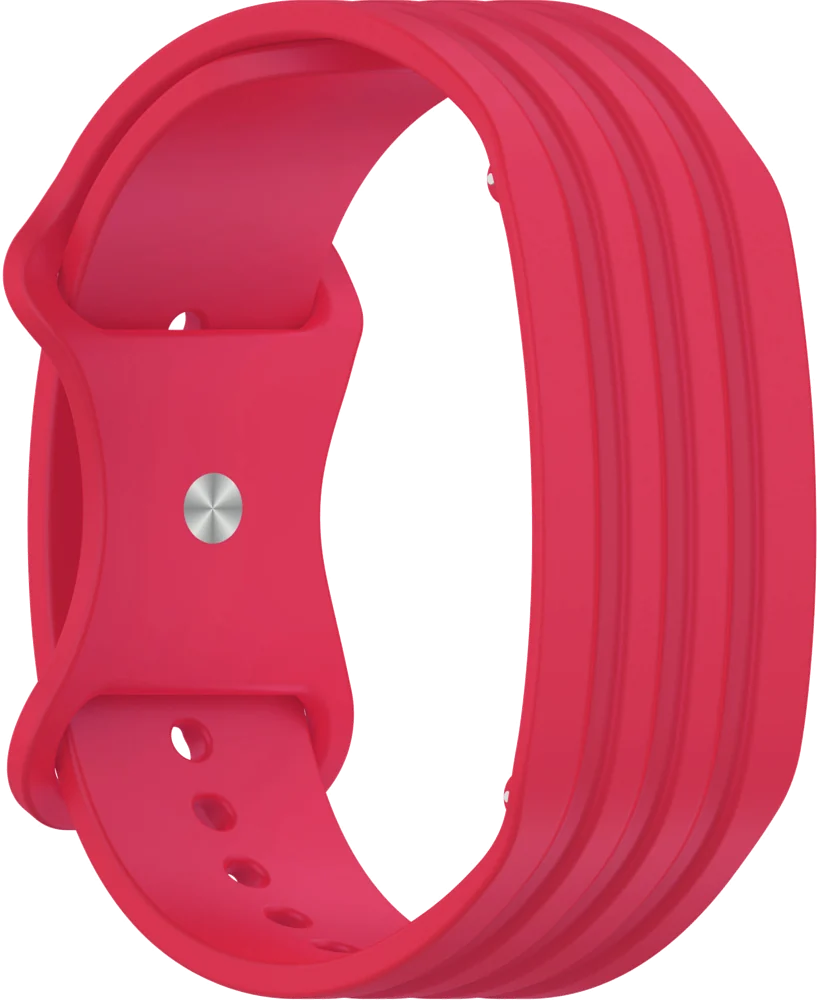
A band is a purely mechanical accessory: it doesn't connect to anything and doesn't rely on any app. Movin'fit bands and armbands for Fitbit Air work exactly as before, with the Fitbit app or with Google Health.
Your 6-step checklist
- 1Update the app from the Google Play Store or the App Store.
- 2Make sure you're signed in with a personal Google account.
- 3Check your step, sleep and heart-rate history.
- 4Find the renamed tiles: Resilience, VO2 max, Vitals.
- 5Have a look at your new weekly cardio target.
- 6Reconnect any third-party apps that used to share data with Fitbit.
Which phone do you need?
Google's help page lists iOS 16.4 or later on iPhone, and Android 14 or later on Android. Some Google Store pages mention an older Android version: if in doubt, check the latest requirements on Google's website.
Frequently asked questions
Do I need to download a new app?+
No. The Fitbit app was updated and is now called Google Health.
Where did my stress score go?+
It's now called Resilience and is shown as a level (Optimal, Balanced, Low) rather than a number.
Can I get my badges or Sleep Profile back?+
No. Google says this data was deleted after 15 July 2026.
Is my Movin'fit band still compatible?+
Yes. The band doesn't interact with the app: it stays compatible with your Fitbit Air whatever the app is called.
Official sources
All products
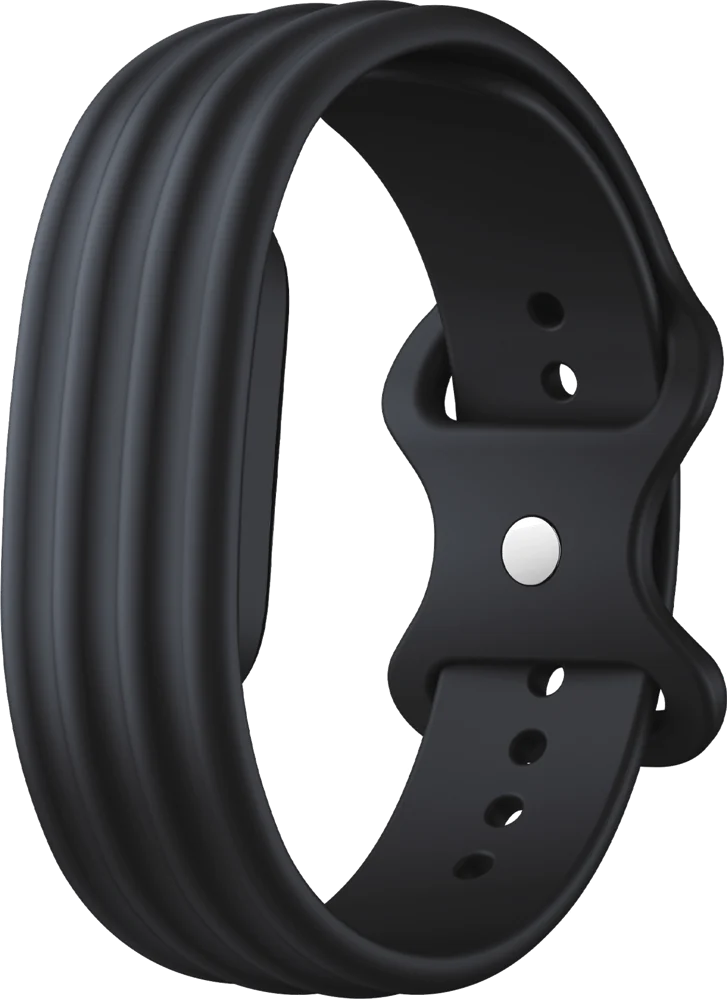
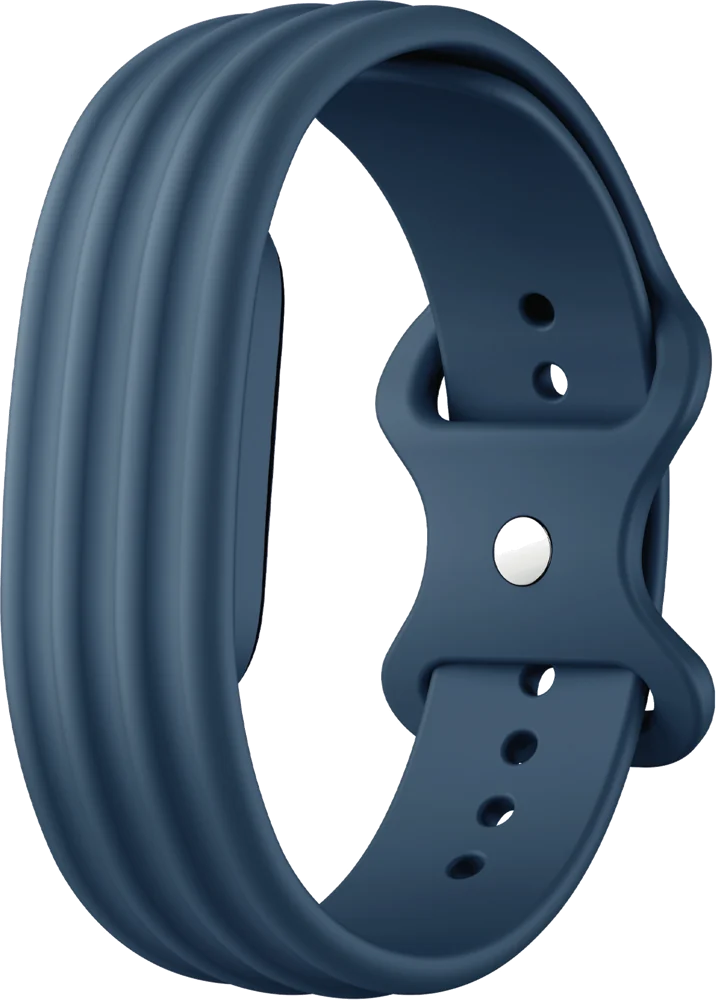
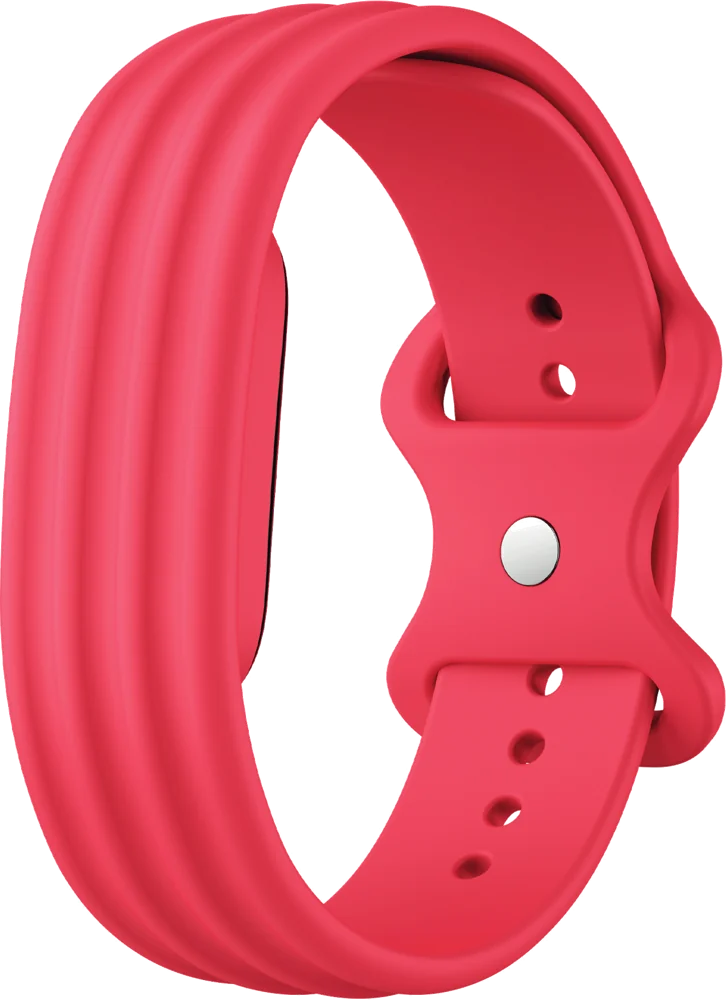 Sport model
Fitbit Air · 3 colours
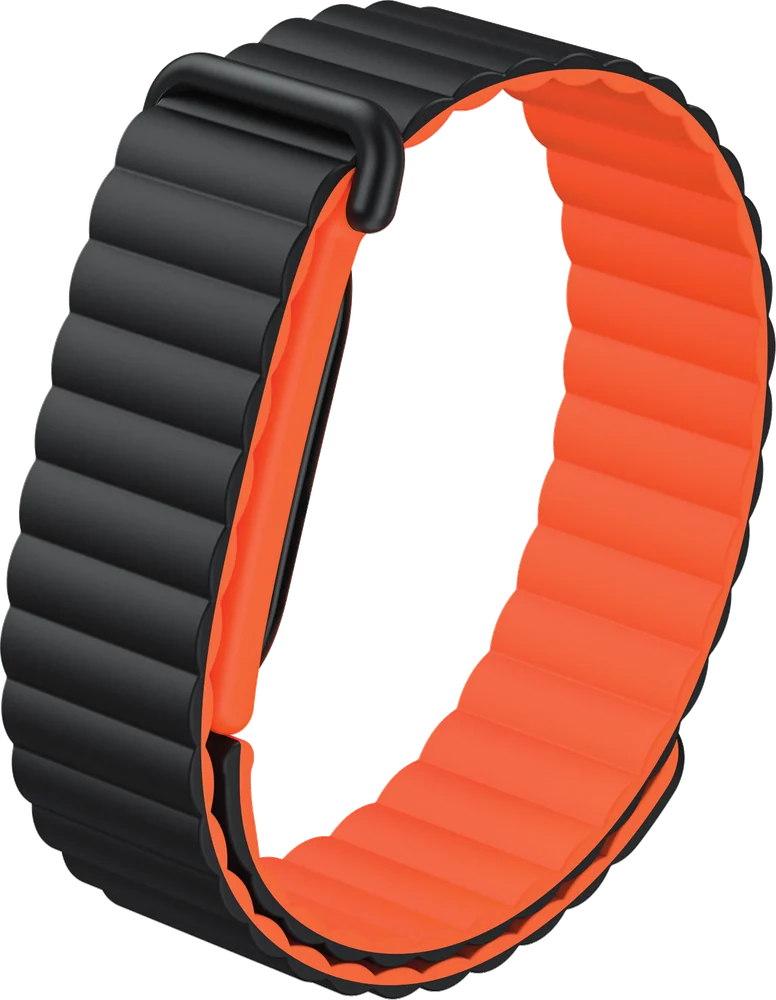 Magnetic closure
Fitbit Air · 1 colour
 Built for sport
Fitbit Air · 1 colour